IESCO Bill Online Check: How to Check Your Electricity Bill Online

Table of Content
Table of Contents
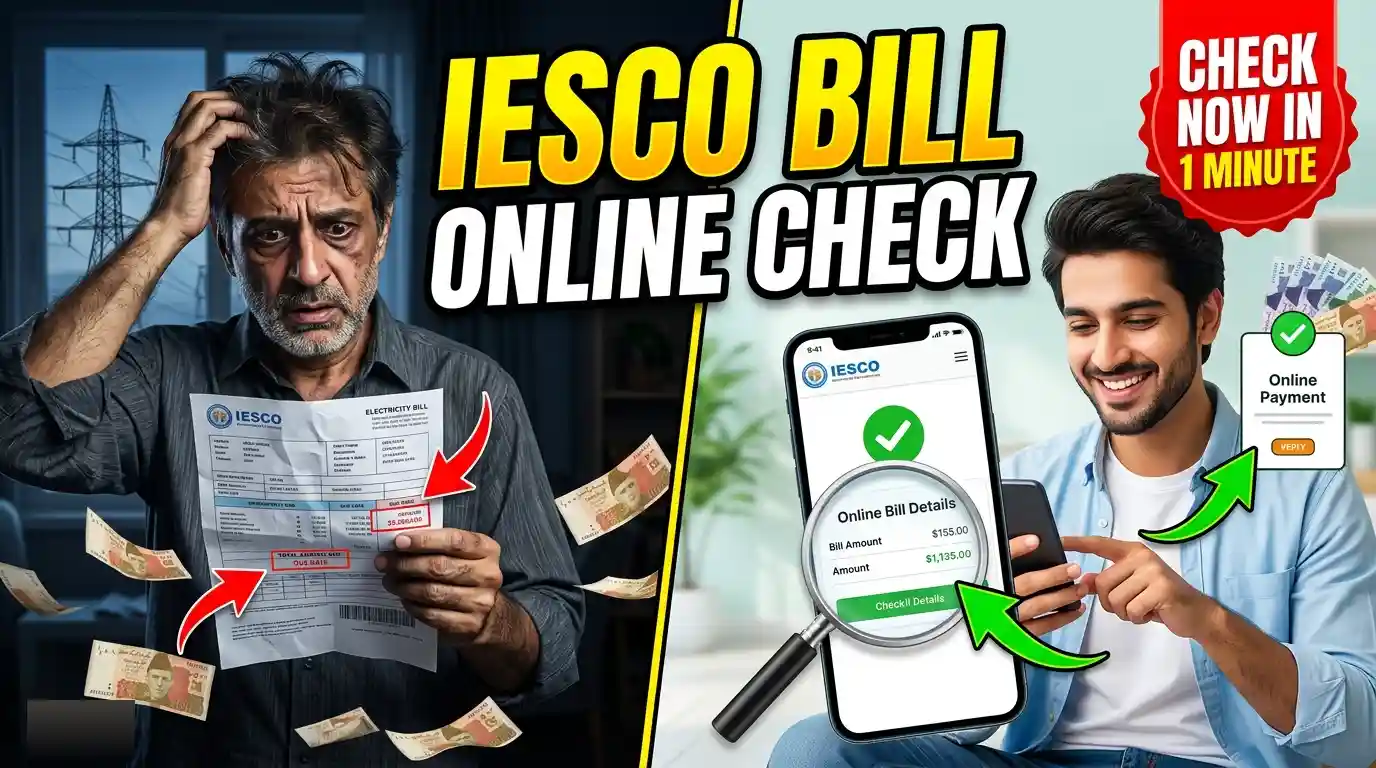
Checking your IESCO bill online is a quick and convenient way to view your latest electricity bill without waiting for a printed copy. Islamabad Electric Supply Company (IESCO) provides online bill-checking facilities for customers in Islamabad, Rawalpindi, Attock, Jhelum, Chakwal, and nearby areas.
With an online bill service, you can check your current bill amount, due date, bill history, and other important details using your reference number. You can also download or print a duplicate copy of your IESCO bill when needed.
What Is IESCO Bill Online Check?
IESCO Bill Online Check is an online facility that allows IESCO customers to view their electricity bills through the internet. Instead of visiting an IESCO office or waiting for the paper bill, you can enter your billing information online and access your latest bill.
The online bill usually contains important information such as:
- Consumer name
- Reference number
- Billing month
- Current meter reading
- Previous meter reading
- Electricity units consumed
- Current bill amount
- Due date
- Arrears, if any
- Taxes and other charges
- Payment status
This makes it easier to check your bill before making a payment.
How to Check IESCO Bill Online
You can check your IESCO electricity bill online by following a few simple steps.
Step 1: Find Your Reference Number
First, locate your IESCO reference number on an old electricity bill. The reference number is generally printed prominently on the bill and is required to retrieve your billing information online.
If you have an older bill available, you can use the reference number from that bill.
Step 2: Open the IESCO Bill Checking Service
Visit the official IESCO online bill service or a reliable IESCO bill-checking website. Look for the option to check or view your electricity bill online.
Step 3: Enter Your Reference Number
Enter your IESCO reference number carefully in the required field. Make sure that all digits are correct because an incorrect reference number may return no result or another consumer’s information.
Step 4: Submit the Information
After entering the required information, click the Check Bill, View Bill, or similar button.
The system will process your request and display the available billing information.
Step 5: View or Download Your Bill
Once your bill appears, review the amount, due date, and other details. If you need a physical copy, you can usually use the print option in your browser to print or save the bill as a PDF.
What Information Do You Need to Check an IESCO Bill?
The main information generally required to find an IESCO bill is your reference number. You can find this number on a previous electricity bill.
Keep your old bill available if you are checking your bill online for the first time. Once you know your reference number, future bill checks become much easier.
You should enter the reference number exactly as shown on your bill. Avoid adding unnecessary spaces or changing any digits.
How to Find the IESCO Reference Number
If you do not know your IESCO reference number, check a previous electricity bill. The number is normally shown near the customer or billing information section.
Your reference number is different from your meter number, CNIC number, or mobile phone number. Therefore, make sure you use the correct number when checking your bill.
Keeping a screenshot or digital copy of an old bill can also be useful because it allows you to quickly access your reference number whenever you need to check a new bill.
How to Check IESCO Bill Without a Printed Bill
If you have lost your latest electricity bill, you may still be able to check it online. You generally need your reference number from an older bill.
Enter the reference number into the online bill-checking system. If the information is available, your current bill can be displayed without needing the physical copy.
This is particularly useful when the paper bill has been misplaced or has not been delivered.
How to Download an IESCO Duplicate Bill
After checking your IESCO bill online, you may be able to download or print a duplicate copy.
To save a copy:
- Open your current IESCO bill online.
- Check that the consumer details are correct.
- Select the print option.
- Choose your printer or select Save as PDF.
- Save the file on your phone or computer.
A saved PDF can be useful for your records or for making a payment when a physical bill is unavailable.
What Can You Check on an IESCO Bill?
Your online bill provides several details that can help you understand your electricity charges.
Bill Amount
The bill shows the total amount payable for the current billing period. Check this amount before making your payment.
Due Date
The due date tells you when the bill should be paid. Paying before the due date can help you avoid additional charges that may apply after the deadline.
Units Consumed
Your bill shows the number of electricity units consumed during the billing period. Comparing current consumption with previous bills can help you understand changes in electricity usage.
Taxes and Other Charges
Electricity bills can include taxes, surcharges, duties, and other applicable charges. These amounts are normally listed separately on the bill.
Previous Balance
If there is an unpaid amount from an earlier bill, it may appear as arrears or a previous balance. Review this section to understand whether any older amount is still outstanding.
Why Check Your IESCO Bill Online?
Online bill checking can save time and make it easier to keep track of your electricity payments.
You do not need to wait for a paper bill to arrive. You can check the latest available information whenever you have an internet connection.
It can also help you avoid missing a due date. If your paper bill is delayed or lost, you can access the available bill information online instead.
Another advantage is that you can keep a digital copy of your bill. Saving monthly bills as PDFs can make it easier to compare electricity usage and payments over time.
Common Problems When Checking IESCO Bill Online
Sometimes customers may have difficulty accessing their bills online. One common reason is entering an incorrect reference number.
If your bill does not appear, carefully check every digit of your reference number and try again. You should also make sure that the website or online service you are using is working properly.
Temporary technical problems can also prevent billing information from loading. In such cases, try again later.
If the problem continues and you cannot access your billing information, contacting IESCO customer support can help resolve the issue.
IESCO Bill Payment
After checking your bill, you can pay the amount through available payment channels supported by IESCO and its payment partners. Depending on the options available to you, these may include banks, mobile banking applications, ATMs, and other authorized payment services.
Before completing a payment, confirm your consumer information and bill amount to reduce the risk of making a payment against the wrong account.
Always keep your payment receipt or transaction confirmation for future reference.
Frequently Asked Questions
Can I check my IESCO bill online?
Yes. IESCO customers can use online billing services to view their available electricity bill information using the required billing details, such as the reference number.
What do I need to check my IESCO bill?
In most cases, you need your IESCO reference number. You can find it on a previous electricity bill.
Can I download a duplicate IESCO bill?
If the online service provides a print or download option, you can save your displayed bill as a PDF or print a duplicate copy.
What should I do if my IESCO bill is not showing?
First, check that your reference number has been entered correctly. If the problem continues, try again later or contact IESCO customer support for assistance.
Conclusion
IESCO Bill Online Check makes it easier for electricity consumers to access their billing information without relying only on a paper bill. By using your reference number, you can view important details such as the bill amount, due date, electricity consumption, taxes, and outstanding balance.
Checking your bill online regularly can help you stay informed about your electricity usage and payment deadlines. If you lose your paper bill, an online copy can also provide a convenient way to view, save, or print your billing information.
Read more: Apni Chhat Apna Ghar Program May 2026 – Latest Updates, International Recognition