E Challan Check Online: How to Check Traffic Challan

Table of Content
Table of Contents
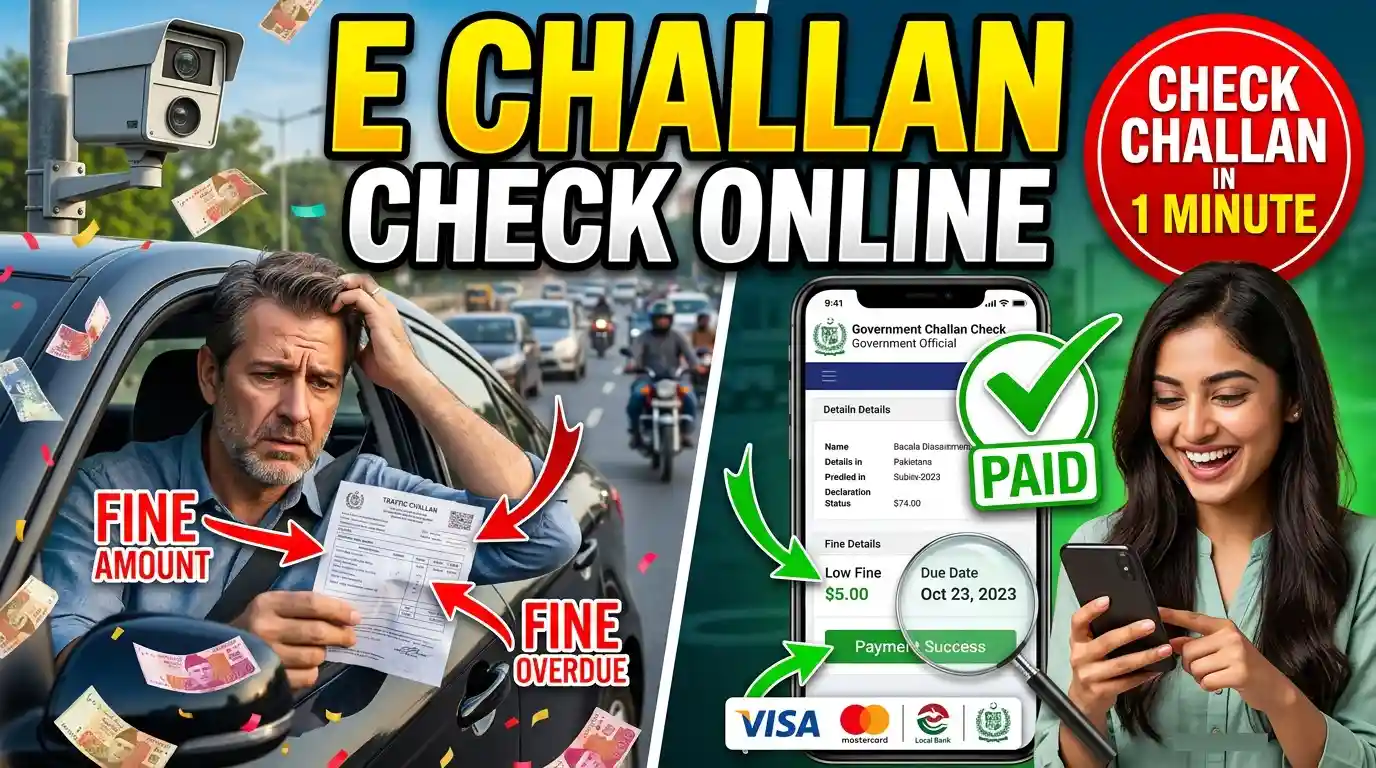
An E Challan Check Online service allows vehicle owners and drivers to check traffic fines through the internet without visiting a traffic police office. An e-challan is an electronic traffic violation ticket issued when a driver breaks traffic rules. Depending on the location and traffic authority, an e-challan may be issued for speeding, signal violations, illegal parking, driving without a valid license, or other traffic offenses.
Online challan checking makes it easier to find out whether a vehicle has an outstanding traffic fine. You can also review information such as the challan number, violation date, vehicle number, fine amount, and payment status. Punjab E Challan Check Online lets you quickly check your traffic challan details, violation status, and outstanding fines using your vehicle or CNIC information.
What Is an E Challan?
An e-challan is a digital version of a traditional traffic challan. Traffic authorities can issue these electronic tickets using cameras, traffic monitoring systems, or handheld devices used by traffic officers.
When a violation is recorded, the relevant information can be added to an electronic system. The driver or vehicle owner can then check the challan online through the applicable traffic authority’s website or official platform.
An e-challan may contain details such as:
- Vehicle registration number
- Challan number
- Date and time of violation
- Location of violation
- Type of traffic violation
- Fine amount
- Payment status
- Due date, where applicable
The exact information available depends on the traffic authority and local system.
How to E Challan Check Online
The process for checking an e-challan depends on the city, province, or country where the traffic violation occurred. However, the general process is simple.
Step 1: Open the Official Challan Website
Start by visiting the official traffic police or government website responsible for issuing and managing e-challans in your area.
Avoid entering personal or vehicle information on unknown websites. Use an official government or traffic police platform whenever possible.
Step 2: Select the Challan Check Option
Look for an option such as E Challan Check, Check Challan, Traffic Challan, or Online Challan.
Some systems may provide different search methods, while others may require specific vehicle information.
Step 3: Enter Your Vehicle Information
Depending on the system, you may need to enter your vehicle registration number, challan number, driving license number, or another required detail.
Enter the information carefully. A single incorrect digit can prevent the system from finding the correct record.
Step 4: Complete Verification
Some online challan systems may require a captcha, OTP, or another verification step before displaying the record.
Complete the requested verification and submit the information.
Step 5: View Your Challan Details
If a challan is associated with the information you entered, the system should display the available details.
Review the violation, date, location, fine amount, and payment status carefully.
What Information Is Required for E Challan Check?
The information required varies between traffic authorities. In many cases, you may be able to search using one of the following:
- Vehicle registration number
- Challan number
- Driving license number
- Notice number
- Other identification details
Before starting the search, keep your vehicle registration documents or previous challan information available. This can make the checking process easier.
How to Check Traffic Fine by Vehicle Number
One of the most convenient methods is checking an e-challan using the vehicle registration number.
Enter your vehicle number into the official online challan system and submit the search. If the system supports vehicle-based searches and a fine has been recorded, the relevant challan information may appear on the screen.
Make sure the registration number is entered in the required format. Some websites may require spaces, dashes, or specific characters to be omitted.
What Details Are Shown on an E Challan?
After finding an e-challan, you should review the information carefully. A typical record may show the following details.
Challan Number
The challan number is a unique identification number assigned to the traffic violation record. Keep it for future reference, especially if you need to make a payment or contact the relevant authority.
Vehicle Number
The vehicle registration number identifies the vehicle associated with the challan.
Violation Details
The system may explain the traffic rule that was allegedly violated. For example, the record could relate to speeding, signal jumping, illegal parking, or another traffic offense.
Date and Time
The challan record may show when the violation was recorded.
Location
Some systems also provide the location where the traffic violation occurred.
Fine Amount
The payable amount is usually displayed along with the challan details. Additional charges may apply in certain circumstances, depending on local rules.
Payment Status
The payment status indicates whether the challan is unpaid, paid, pending, or otherwise processed according to the relevant system.
How to Pay an E Challan Online
If your traffic authority provides online payment facilities, you may be able to pay an outstanding challan electronically.
First, open the challan record through the official platform. Confirm that the vehicle information, challan number, violation details, and fine amount are correct.
If an online payment option is available, select it and follow the instructions provided by the official system. Depending on the authority, payment methods may include online banking, cards, mobile wallets, or other authorized methods.
After completing the payment, save the transaction receipt or confirmation. It can be useful if the payment status does not update immediately.
What Happens If an E Challan Is Not Paid?
An unpaid traffic challan can remain outstanding until it is resolved according to the applicable traffic laws and procedures. Depending on the jurisdiction, additional consequences or charges may apply.
For this reason, it is useful to check your traffic challan status regularly if you believe you may have received a violation notice.
If you receive a challan that you believe is incorrect, do not simply ignore it. Check the official procedure for submitting a complaint, objection, or appeal.
How to Check E Challan Payment Status
After paying a traffic fine online, you may want to confirm that the payment has been recorded.
Return to the official challan-checking system and search using the required vehicle or challan information. The record may show a status such as Paid, Pending, or Unpaid.
Online payment systems sometimes take time to update. If money has been deducted from your account but the challan still shows as unpaid, keep your transaction receipt and contact the relevant traffic authority or payment provider.
How to Avoid Fake E Challan Websites
Online traffic services can involve sensitive information, so it is important to use trusted sources.
Always check the website address before entering your vehicle number, driving license details, OTP, or payment information.
Be especially careful with unexpected messages claiming that you have received a traffic fine. Do not click suspicious links simply because a message appears urgent.
If you receive an SMS or email about an e-challan, verify the information through the official traffic authority website rather than relying only on the message.
Never share an OTP or banking password with another person claiming to help you pay a challan.
Benefits of Checking E Challan Online
There are several advantages to using an online challan-checking system.
First, it saves time because you can check the status of a traffic fine without visiting a traffic police office.
Second, online records can provide useful information about the violation, including the date, location, and fine amount.
Third, online payment options can make it easier to settle an outstanding fine where such services are available.
Finally, keeping digital payment receipts and challan records can make it easier to resolve future questions about a traffic fine.
Frequently Asked Questions
Can I check my e-challan online?
Yes. If your local traffic authority provides an online service, you can check your challan using the information required by its official system.
Can I check an e-challan using my vehicle number?
Many traffic systems allow vehicle-based searches, although the exact requirements vary by jurisdiction.
How can I know whether my challan is paid?
Search for the challan through the official system and check its payment status. If you recently paid, the status may take some time to update.
Can I pay an e-challan online?
Some traffic authorities provide online payment options. Use only the payment method provided through the official platform.
What should I do if I receive a wrong challan?
Review the challan details and follow the official process provided by the relevant traffic authority for reporting an incorrect violation or submitting an objection.
Conclusion
E Challan Check Online provides a convenient way to find and manage traffic fines without visiting a traffic police office. By using the official traffic authority’s online system, you can check available challan details, review the violation and fine amount, and, where supported, make an online payment.
Always verify your challan through an official source and carefully check the vehicle number, violation details, and payment status. Keeping payment receipts and avoiding suspicious links can also help protect your personal and financial information.
Apni Zameen Apna Ghar is a flagship housing initiative launched by Chief Minister Punjab Maryam Nawaz Sharif to provide free 3-marla residential plots to landless and low-income families across Punjab.