MEPCO Electricity Bill Online: Check and Download Your Bill

Table of Content
Table of Contents
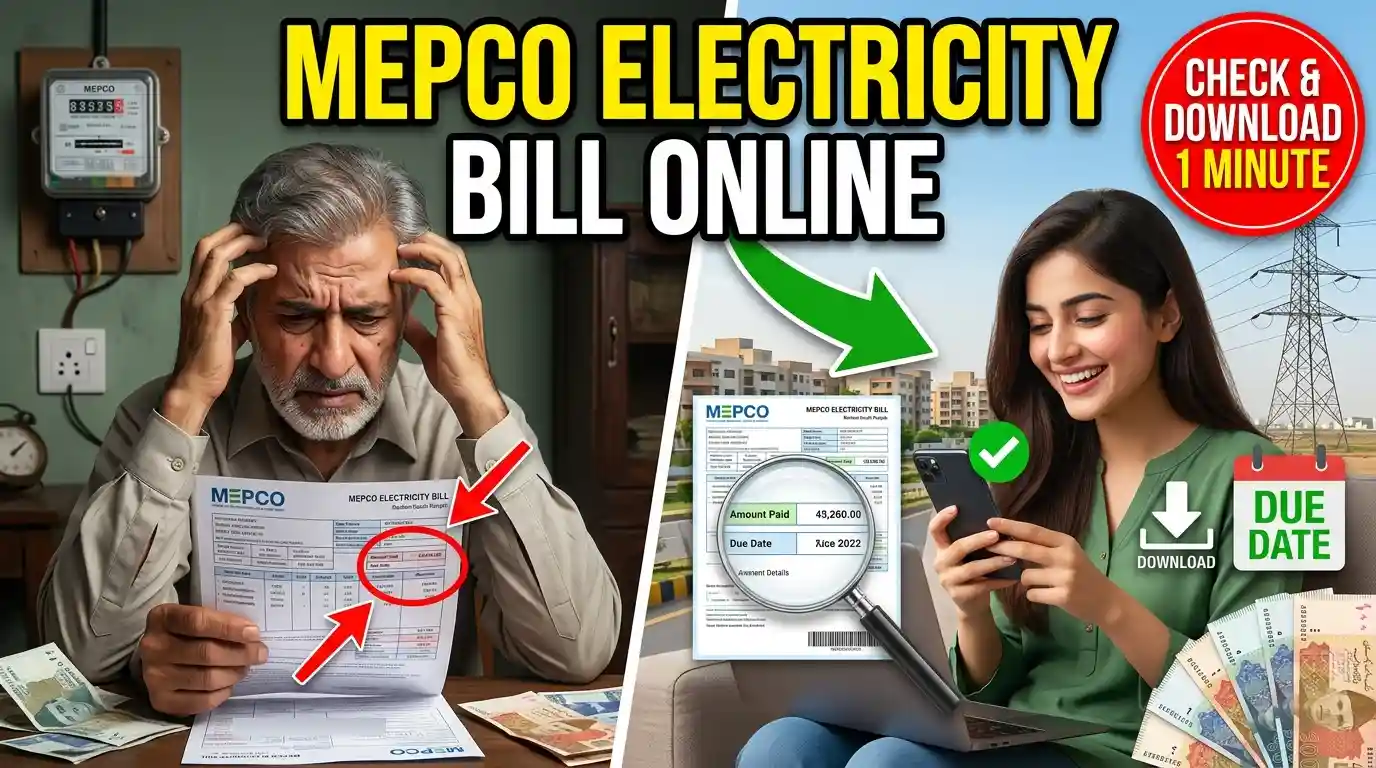
Checking your MEPCO Electricity Bill Online is a quick and convenient way to view your electricity bill without visiting a customer service center. Multan Electric Power Company (MEPCO) provides electricity services to several districts in South Punjab, and consumers can use the online bill system to check their latest bill, due date, payable amount, and other important details.
With an online bill check, you can also download or print a duplicate copy of your MEPCO bill if the original bill has not arrived at your home.
What Is MEPCO Electricity Bill Online?
MEPCO Electricity Bill Online is an online service that allows MEPCO customers to access their electricity bill details through the internet. Instead of waiting for the printed bill, you can check your current bill using your reference number.
The online bill usually provides important information such as:
- Consumer name
- Reference number
- Billing month
- Current bill amount
- Due date
- Previous balance
- Current meter reading
- Units consumed
- Bill status
- Taxes and additional charges
This makes it easier to keep track of your electricity payments and avoid missing the due date.
How to Check MEPCO Electricity Bill Online
You can check your MEPCO bill online by following a few simple steps.
Step 1: Find Your Reference Number
First, locate your MEPCO reference number on a previous electricity bill. The reference number is used to identify your electricity connection.
Make sure you enter the number correctly because an incorrect reference number may prevent the system from displaying your bill.
Step 2: Enter Your Reference Number
Open the MEPCO online bill checking service and enter your reference number in the required field. Some bill services may also require additional consumer information.
Step 3: Submit the Information
After entering the required details, click the check, search, or submit button. The system will process your information and retrieve the available bill record.
Step 4: View Your Bill
Your current MEPCO electricity bill will appear on the screen if the information is correct. You can review the amount, due date, units consumed, and other billing details.
Step 5: Download or Print the Bill
If you need a physical copy, you can download the bill or use the print option available on the page. A duplicate bill can be useful when the original paper bill is lost or delayed.
What Information Is Required to Check the MEPCO Bill?
The most important information generally required to find your MEPCO bill is your reference number. You can find this number on an old MEPCO electricity bill.
Before submitting the information, check each digit carefully. Even a small typing mistake can result in an incorrect search or no bill being displayed.
Keeping a previous electricity bill saved on your phone can make future online bill checks easier.
How to Find the MEPCO Reference Number
If you do not know your reference number, check any previous MEPCO electricity bill. It is normally printed prominently on the bill along with other consumer and connection information.
The reference number is different from your name or address, so it is better to use the exact number shown on your previous bill when checking your electricity bill online.
If you have recently changed your electricity connection or received a new meter, check the latest bill for the updated information.
How to Download a Duplicate MEPCO Bill
Sometimes the physical electricity bill may not reach you before the due date. In such cases, you can use the online system to obtain a duplicate copy.
To download your duplicate MEPCO bill:
- Open the MEPCO bill checking page.
- Enter your correct reference number.
- Submit the information.
- Wait for your bill details to appear.
- Check the billing month and amount.
- Select the download or print option.
- Save the duplicate bill on your device.
You can keep the downloaded copy for your records or print it when you need a physical bill.
How to Check the MEPCO Bill Amount
One of the main reasons consumers use the online service is to check the current bill amount before making payment.
After entering your reference number, the bill details can show the total payable amount and the applicable due date. If you have any previous outstanding balance, it may also appear in the bill information.
Checking the amount online can help you prepare the required payment and avoid surprises when the printed bill arrives.
How to Check the MEPCO Bill Due Date
The due date is an important part of your electricity bill because payments made after the due date may be subject to additional charges according to the applicable billing rules.
When you check your MEPCO bill online, look for the current bill’s due date. Make a note of it and try to complete your payment before the deadline.
If you regularly forget electricity payment dates, you can save a reminder on your phone.
What Is Included in a MEPCO Electricity Bill?
A MEPCO electricity bill contains several sections that provide information about your electricity connection and monthly consumption.
Common details include your consumer information, reference number, meter information, billing period, previous and current meter readings, units consumed, electricity charges, taxes, and the total payable amount.
The bill may also show information about previous payments or outstanding amounts.
Understanding these sections can help you identify how your monthly electricity cost has been calculated.
Why Is My MEPCO Bill Higher This Month?
Your electricity bill can change from one month to another for several reasons. One of the most common reasons is increased electricity consumption.
Using air conditioners, heaters, water pumps, refrigerators, fans, and other electrical appliances for longer periods can increase the number of units consumed.
The bill may also include taxes, surcharges, adjustments, or other applicable charges. Therefore, comparing your current bill with previous bills can help you understand why the total amount has changed.
If the increase appears unusual or you believe there is an error in your bill, you should contact MEPCO through its official customer service channels.
Can I Check My Old MEPCO Bills Online?
The availability of previous bills depends on the online billing system and the information associated with your connection. Current bill information is generally the primary purpose of an online bill-checking service.
If you need an older bill for record-keeping, payment verification, or another purpose, check whether the relevant online service provides a previous-bill option. You can also contact MEPCO customer support if older billing information is required.
Benefits of Checking MEPCO Electricity Bill Online
There are several advantages to using an online bill-checking service.
Convenient: You can check your bill from home using a computer or smartphone.
Saves time: There is no need to visit a customer service office simply to view your bill.
Quick access: You can check your bill details as soon as they become available online.
Duplicate copy: You can download or print a copy when the original bill is unavailable.
Due-date awareness: You can check the payment deadline and plan your payment accordingly.
Easy record keeping: A digital copy can be saved on your phone or computer for future reference.
What If the MEPCO Bill Is Not Showing Online?
Sometimes your bill may not appear immediately. This can happen because of incorrect information, temporary technical problems, or delays in updating billing records. MEPCO Electricity Bill Correction Guide explains how to identify billing errors and request corrections for incorrect charges, meter readings, or consumer information.
First, check your reference number and enter it again carefully. Make sure there are no missing or incorrect digits.
If the information is correct but the bill still does not appear, try checking again later. For persistent problems, contacting MEPCO customer support is the appropriate option.
How to Pay Your MEPCO Electricity Bill
After checking your bill online, you can pay it through available payment channels. Depending on the options currently offered by MEPCO and financial institutions, these may include banks, ATMs, mobile banking applications, internet banking, and other authorized payment services.
Before making a payment, verify the consumer information and payable amount. Keep the payment receipt or digital transaction confirmation for your records.
Frequently Asked Questions
How can I check my MEPCO Electricity Bill Online?
You can check your MEPCO electricity bill online by entering your reference number in the appropriate online bill-checking service. After submitting the required information, your available bill details can be displayed.
Can I download a duplicate MEPCO bill?
Yes, if the online billing service provides a download or print option, you can save or print a duplicate copy of your MEPCO electricity bill.
Conclusion
MEPCO Electricity Bill Online makes it easier for consumers to access their electricity bill information without waiting for a paper copy. By using your reference number, you can check important details such as the bill amount, billing month, due date, meter readings, and applicable charges.
If your physical bill is lost or delayed, an online duplicate copy can also help you keep track of your payment. Regularly checking your bill and paying it before the due date can help you manage your electricity expenses and avoid unnecessary payment delays.
Readmore: Apply Online for Apni Zameen Apna Ghar 2026 – Complete Punjab Registration Guide